 EN
EN

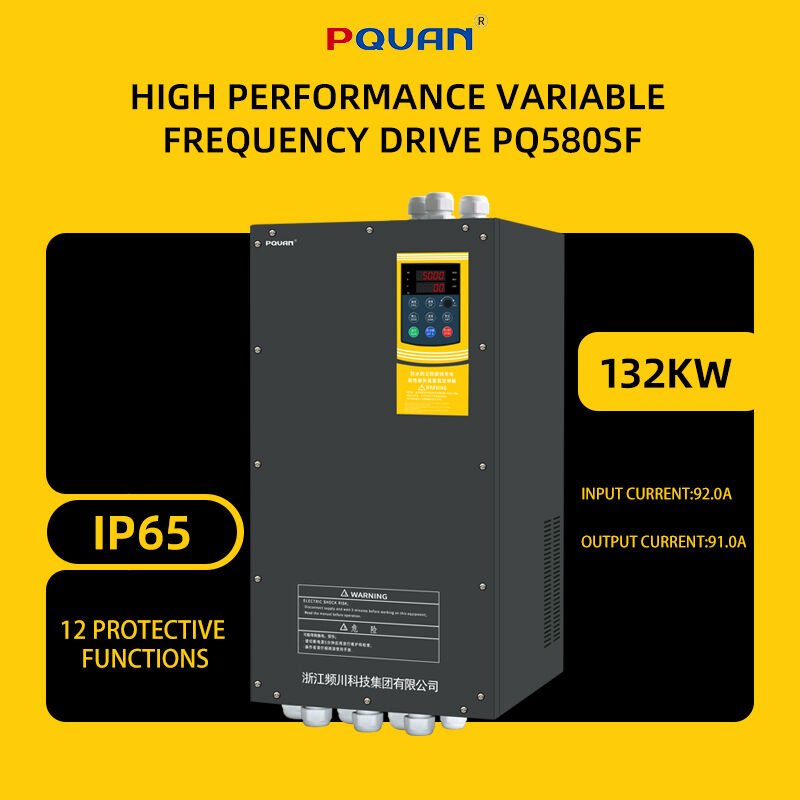
Variable Frequency Drives (VFDs) are the unsung heroes of modern industrial automation. By controlling the speed and torque of AC motors, a VFD drive optimizes energy consumption, reduces mechanical wear, and enhances process control across various applications like pumps, fans, conveyors, and compressors. However, when a VFD drive experiences a malfunction, production lines can grind to a halt, costing businesses time and money.
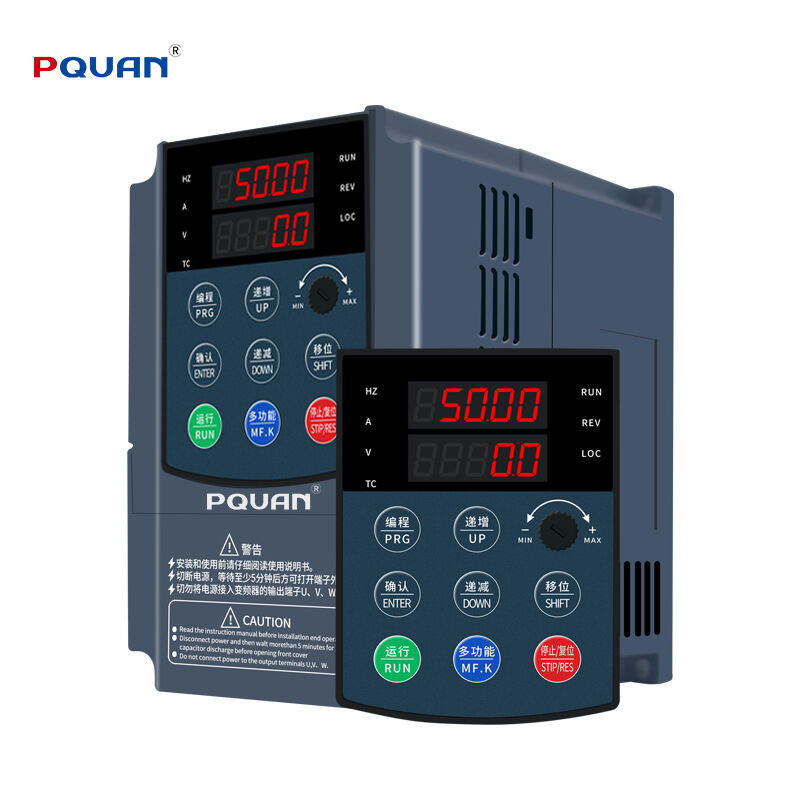
Understanding how to diagnose and resolve common issues efficiently is crucial for maintenance teams. This comprehensive troubleshooting guide covers the most frequent problems encountered with a VFD drive, offering practical quick fixes to restore your operations promptly while keeping your industrial systems running at peak performance.
Understanding Common VFD Drive Faults and Solutions
When a VFD drive encounters an internal or external error, it displays a specific fault code. Recognizing what these codes mean and knowing the immediate steps to take can prevent unnecessary downtime and protect your downstream equipment from severe damage.
Overvoltage (OV) Faults
An overvoltage fault occurs when the DC bus voltage exceeds the drive’s specified maximum threshold. This is most commonly triggered during deceleration when the motor acts as a generator, pumping energy back into the VFD drive faster than it can dissipate.
To fix this issue, you should first check the deceleration time configured in the drive parameters. Extending the ramp-down time allows the energy to dissipate naturally. If your application requires rapid stopping, installing a properly sized dynamic braking resistor or a regenerative unit is necessary to safely absorb the excess electrical energy. Additionally, verify that the incoming line voltage is stable and within the manufacturer's specified tolerance, as utility surges can also trigger this error.
Undervoltage (UV) Faults
An undervoltage fault indicates that the DC bus voltage has dropped below the minimum required level for stable operation. This issue is typically rooted in the main power supply rather than the drive itself, often caused by localized voltage drops or grid instability.
Your first troubleshooting step should be to measure the incoming AC line voltage using a reliable multimeter to ensure it matches the drive's rating. Look for loose connections at the input terminals, blown fuses, or tripped circuit breakers upstream. If the input power is stable, check for heavy loads starting simultaneously on the same electrical circuit, which can cause temporary voltage sags. In some cases, a faulty internal pre-charge circuit or a failing DC bus capacitor bank within the drive might be the culprit, requiring professional repair.
Overcurrent (OC) Faults
Overcurrent is one of the most frequent faults displayed by a VFD drive, signaling that the current drawn by the motor has exceeded the drive's safe operating limits. This can happen during acceleration, deceleration, or steady-state running conditions.
To resolve an overcurrent fault, begin by disconnecting the motor from the load and running the drive alone. If the drive still trips, the fault lies within the internal inverter components. If it runs normally, inspect the motor and the driven machinery for mechanical binding, jammed conveyor belts, or seized bearings that create excessive resistance. Additionally, check the motor insulation resistance with a megohmmeter to rule out phase-to-phase or phase-to-ground short circuits, and ensure that the drive’s acceleration ramp is not set too aggressively for the inertia of the load.
Overheating (OH) Faults
Industrial environments can be harsh, exposing electronic components to high ambient temperatures, dust, and moisture. An overheating fault means the internal heatsink or power modules have reached their maximum safe temperature limits.
Regular preventative maintenance is the best quick fix and prevention method for overheating. Ensure that the cooling fans on the VFD drive are operating correctly and are free from dust accumulation. Clean the heatsink fins using compressed air to restore optimal airflow. Furthermore, check the enclosure ventilation filters and verify that the ambient temperature inside the electrical cabinet does not exceed the drive's ambient rating. Maintaining proper physical clearance around the drive, as recommended by the manufacturer, is essential for natural convection.
Quick Reference Diagnostic Matrix
To streamline your maintenance workflow, the table below provides a quick-reference summary of common symptoms, potential root causes, and immediate corrective actions for standard industrial applications.
| Diagnostic Symptom | Potential Root Cause | Recommended Quick Fix |
|---|---|---|
| Drive display is completely blank | Loss of input power, blown control fuse, or failed internal switch-mode power supply. | Check main input voltage, verify control fuses, and inspect the display ribbon cable connection. |
| Motor hums but does not rotate | Incorrect motor parameter settings, phase loss, or mechanical lockup. | Verify motor nameplate data in parameters, check output phase balance, and manually rotate the load. |
| Intermittent tripping during acceleration | Acceleration time is too short for high-inertia loads, or torque boost is too high. | Increase the acceleration ramp time or adjust the V/Hz curve settings in the drive parameters. |
| Erratic control or sudden speed changes | Electromagnetic interference (EMI) on analog signal wires or loose control wiring. | Use shielded twisted-pair cables for control wiring, separate power and control lines, and tighten terminals. |
| High acoustic noise from the motor | Low carrier frequency setting causing magnetic resonance in motor windings. | Safely increase the carrier frequency parameter within the drive settings while monitoring drive temperature. |
Frequently Asked Questions
What causes a VFD drive to trip on a ground fault?
A ground fault occurs when current finds an unintended path to the earth ground. This is usually caused by degraded insulation in the motor windings, moisture inside the motor conduit box, or a damaged motor power cable. To troubleshoot this, isolate the motor and cable from the drive and use a megohmmeter to test the insulation resistance to ground.
How often should I perform maintenance on my VFD drive?
For standard industrial environments like pump rooms or clean manufacturing floors, a thorough inspection and cleaning should be conducted every six to twelve months. In harsher environments with high dust, moisture, or ambient heat, monthly or quarterly checks of cooling fans, filters, and terminal tightness are recommended to prevent unexpected failures.
Can a VFD drive operate a motor at a higher frequency than its nameplate rating?
Yes, a drive can output frequencies above 50Hz or 60Hz, running the motor faster than its base speed. However, this must be done with extreme caution. Running a motor beyond its rated speed reduces available torque, increases mechanical stress on bearings, and can lead to dangerous centrifugal forces if the motor and driven load are not explicitly rated for overspeed operation.
Why does my VFD drive cause interference with nearby sensors and instrumentation?
Drives switch high voltages at high frequencies, which inherently generates electromagnetic interference (EMI) and radio frequency interference (RFI). If control wires are run in the same conduit as power cables, this noise couples into the sensitive sensor signals. To mitigate this, always use shielded cables for control signals, ensure proper single-point grounding, and install EMI/RFI filters if necessary.